

Get the latest tech news and updates delivered to your inbox.
Choosing an AMD Ryzen gaming PC
Choosing an AMD Ryzen gaming PC is easier when you start with the games you play, the display you use and the amount of customisation you want. AMD Ryzen systems are available across different generations and price points, with both AMD Radeon and NVIDIA GeForce RTX graphics options. XDS Computers presents AMD gaming PCs for UK buyers as pre-configured systems and configurable build-your-own templates.
This guide focuses on the buying decision rather than one specific processor generation. XDS presents dedicated Ryzen 9000 systems, while its wider AMD categories and build-your-own templates provide other routes to compare.
What is an AMD Ryzen gaming PC?
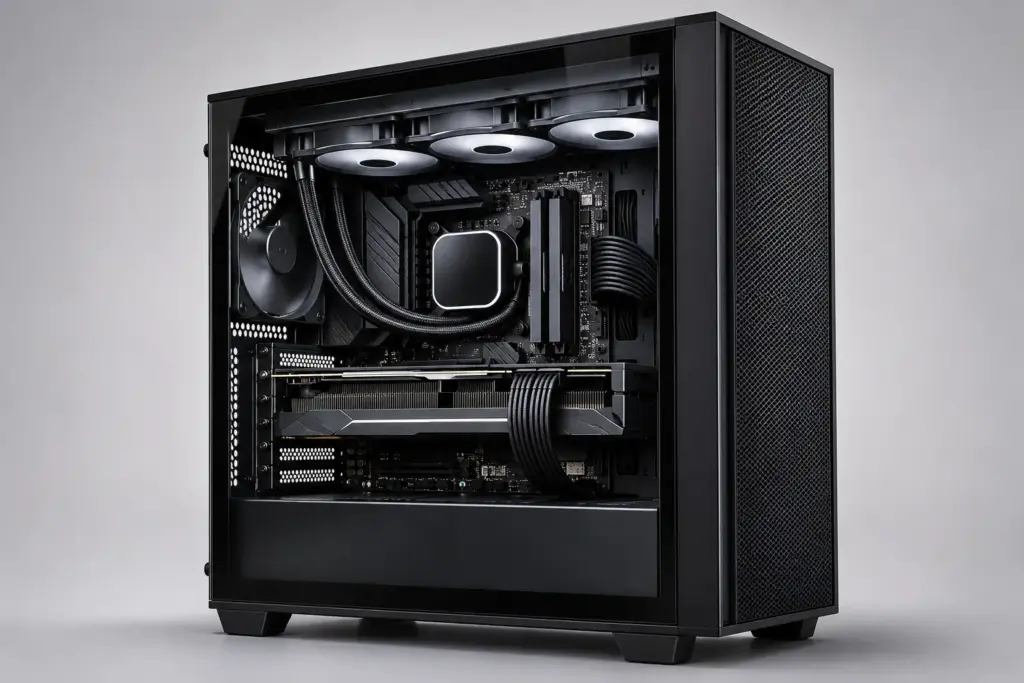
An AMD Ryzen gaming PC uses an AMD Ryzen desktop processor as its main CPU, paired with a compatible motherboard, memory, storage, power supply, case and graphics card. The processor handles general game logic and other system tasks. For many GPU-limited games and higher resolutions, the graphics card can be a major factor in performance, although results depend on the complete system, game, settings and display.
That means the best AMD gaming PC is not necessarily the one with the most expensive processor. A balanced configuration should match the CPU, graphics card, memory and storage to your games, resolution, settings and wider use. A system for competitive games may have different priorities from one intended for visually demanding single-player titles, streaming or content creation.
Who should consider an AMD Ryzen gaming PC?
AMD Ryzen gaming desktops are worth considering if you want a desktop PC organised around AMD’s processor platforms and the flexibility to select either Radeon or NVIDIA graphics. They can suit buyers looking for:
- A gaming desktop for current and planned PC games.
- A platform-based choice between Ryzen 5000, Ryzen 7000 and Ryzen 9000 systems.
- A configurable PC rather than a fixed specification.
- A system that may also be used for streaming, editing or other demanding desktop tasks.
- A build selected around a particular budget or visual design.
AMD is not automatically the right choice for every buyer. Intel systems may also be suitable depending on the software, features and configuration you prefer. The practical comparison is between complete, balanced systems rather than processor brands in isolation.
Choosing between Ryzen 5000, 7000 and 9000
XDS organises AMD systems around several Ryzen generations. These categories help narrow the search, but the complete specification still matters.
| Range | What to consider | Best starting point |
|---|---|---|
| Ryzen 5000 | An established AMD platform that may suit buyers prioritising a particular budget or configuration. | Compare the full PC specification, graphics card and upgrade requirements. |
| Ryzen 7000 | A newer platform category with systems that may be appropriate for buyers seeking a modern AMD gaming desktop. | Check the processor, graphics, memory, storage and motherboard together. |
| Ryzen 9000 | A newer AMD category presented by XDS, including gaming-focused and configurable options. | Review the available specifications and compare them with other complete systems. |
Generation alone does not determine the right purchase. A Ryzen 7000 PC with a stronger graphics card may be more appropriate for your games than a Ryzen 9000 PC paired with a less suitable GPU. Also consider the motherboard platform, available memory, storage capacity, cooling configuration and power supply before comparing headline processor names.
How the graphics card affects your choice
For many games, the graphics card is an important component to compare. It can affect the system’s ability to render higher resolutions, visual settings and demanding effects. Your target monitor and games should therefore guide the GPU decision, while the complete configuration remains important.
- Competitive and lighter games: prioritise a balanced system and avoid paying for graphics capability you are unlikely to use.
- Modern, visually demanding games: compare the graphics card carefully, especially if you plan to use a high-resolution or high-refresh display.
- Streaming or creative work: consider the software and hardware features relevant to your wider workload, not only gaming.
- Longer-term ownership: leave sensible room in the specification for the games and applications you expect to use later.
XDS presents AMD Ryzen systems with both AMD Radeon and NVIDIA GeForce RTX options. Compare the available AMD systems and graphics choices when the platform is part of your decision, and check the individual listing for the exact specification.
AMD Radeon or NVIDIA GeForce RTX graphics?
Neither graphics brand is universally best for every AMD Ryzen gaming PC. Radeon may appeal if you want an AMD CPU and AMD graphics combination, while NVIDIA GeForce RTX may be preferable when a particular game, application or graphics feature fits your requirements.
Compare the actual card, memory capacity, display resolution and games you play. Do not select a GPU solely because it is paired with an AMD processor. XDS’s configurable AMD templates include routes with NVIDIA and AMD Radeon graphics options, so you can assess the graphics decision separately from the CPU decision where the selected template supports it.
How much memory and storage should you choose?
Memory and storage influence how comfortable the PC is to use beyond the processor and graphics card. Check the stated capacity of each system and consider how many games and applications you expect to keep installed.
- Memory: choose enough RAM for your games and any simultaneous applications such as browsers, voice chat or streaming tools. Buyers using creative or technical software may need more than a gaming-only setup.
- Storage: NVMe SSDs can offer fast system and game-loading performance, but the experience depends on the drive, software and overall configuration. Capacity is also important because modern installations can occupy substantial space.
- Expansion: check the motherboard and case details if you expect to add storage or other components later.
Capacity should be assessed as part of the complete configuration. A higher processor tier does not compensate for a system that does not provide enough storage for your normal usage.
Pre-configured PC or build your own AMD gaming PC?
A pre-configured AMD gaming PC is a straightforward route when the listed specification already matches your needs. It can make comparisons easier because the main components are presented together.
A build-your-own AMD gaming PC is more appropriate when you want to adjust the processor, graphics card, memory, storage, case or cooling. XDS provides several AMD templates, including Essential, Performance, X3D Gaming and White Showcase routes. These are configurable starting points rather than fixed prebuilts, so review every selected component before adding the system to your basket.
Choosing an AMD Ryzen gaming PC by budget
Set a realistic budget before choosing individual components. XDS presents gaming systems across price bands including £500–£1,500, £1,500–£2,500, £2,500–£3,500 and £3,500–£4,500. These ranges can help you narrow the catalogue, but the best fit depends on how the budget is distributed.
- Define your games, monitor resolution and other applications.
- Choose the graphics level that matches those requirements.
- Select a suitable Ryzen generation and processor tier.
- Allow for sufficient memory and storage.
- Check the case, cooling, motherboard and power supply as part of the final specification.
If gaming is the main purpose, avoid spending the majority of the budget on the processor while overlooking the graphics card. If you also edit video, create 3D work or stream, a different balance may be justified.
Questions to check before configuring your PC
- Which games will I play most often?
- What resolution and refresh rate does my monitor use?
- Do I need AMD Radeon graphics, NVIDIA GeForce RTX, or no fixed graphics preference?
- Will I stream, edit video, create 3D work or run other demanding applications?
- How much memory and storage will I need over the life of the PC?
- Do I want a listed system or the control of a build-your-own AMD template?
- Am I comparing complete specifications rather than processor names alone?
Browse AMD Ryzen gaming PCs in the UK
The right AMD Ryzen gaming PC is the one whose complete configuration fits your games, display, budget and future plans. Explore XDS’s AMD gaming PC categories to compare platforms, review Radeon and NVIDIA graphics options, or start with a configurable AMD template and adjust the system to suit your requirements. Check the individual product page for the current specification and available options.