

Get the latest tech news and updates delivered to your inbox.
How to Choose a PC for Music Production
Choosing a custom PC for music production is easier when you begin with the way you work. Recording, mixing, arranging and using virtual instruments can place different demands on a computer, so the right system is not necessarily the one with the most expensive graphics card or the largest specification sheet. Instead, match the processor, memory, storage, cooling and case to your projects, software and budget.
XDS Computers lists Music Production as a supported workload and presents configurable custom PCs and professional workstations. Explore the XDS Music Production systems page, then use this guide to define your priorities before reviewing available configurations or XDS custom PC options.
Start with your workload and budget
Before choosing components, write down what you expect the computer to do. A system used mainly for recording and arranging may have different priorities from one used for large projects with many software instruments, effects and high-resolution audio files.
- Recording: Consider how many inputs, tracks and simultaneous applications your workflow involves. Audio-interface and software requirements should be checked with their manufacturers.
- Mixing: Larger sessions and chains of effects can make processor capacity and memory more important than gaming-focused graphics hardware.
- Virtual instruments: Sample libraries and instrument collections can increase both memory and storage requirements.
- Content creation: If music production is combined with video editing, streaming or 3D work, the wider workload may justify a different balance of CPU, GPU, memory and storage.
Set a realistic budget in pounds before selecting parts. Leaving some budget for additional storage or memory can be more useful than spending everything on one headline component.
Prioritise the component that limits your workload
When the budget is fixed, identify the part most likely to constrain your regular sessions. For example, complex effects chains may make processor capacity a higher priority, while extensive sample libraries may make memory or storage capacity more important. If you also edit video, play games or use 3D software, include those tasks before deciding where to allocate the budget.
- Prioritise the processor when complex projects and effects-heavy sessions are central to your work.
- Prioritise memory when you regularly use large virtual-instrument libraries or several demanding applications together.
- Prioritise storage capacity when projects, samples and recorded audio will occupy substantial space.
- Keep graphics spending proportionate to additional gaming, video or 3D workloads rather than assuming a high-end GPU is necessary for every audio workflow.
Choose the processor around your sessions
The processor is central to many music-production tasks, including project management, mixing calculations and running software instruments. Rather than selecting a CPU based solely on its model name, consider the balance between per-core responsiveness, total processing capacity and the number of applications you expect to run together.
A lighter recording setup may not need the same processor class as a complex arrangement with many instruments and effects. If you produce across several workloads, such as music, video editing or 3D design, explain that wider use case when configuring the PC so the complete system is balanced.
Do not treat a particular CPU as a universal requirement. Software developers publish their own processor guidance, and project complexity varies considerably. A configurable system lets you adjust the processor choice as your intended workload becomes clearer.
How much RAM does a music production PC need?
There is no single memory capacity that suits every producer. The right amount depends on project size, the number of applications open at once and whether you use large sample libraries or other memory-intensive tools.
- For straightforward projects, prioritise a sensible amount of compatible memory without taking budget away from the processor or storage.
- For larger arrangements and extensive virtual instruments, consider a higher-capacity configuration.
- If you also edit video, work with 3D applications or analyse large datasets, plan memory around the most demanding regular task.
- Check the motherboard’s supported memory type and capacity before ordering upgrades.
XDS lists memory products including a 64GB DDR5 kit with Intel XMP 3.0 and AMD EXPO profiles. This is an example of a component listed by XDS, not confirmation that it is selectable in every music-production or build-your-own configuration, and it is not a universal recommendation.
Plan storage for projects, samples and applications
Storage affects how comfortably you can organise software, projects, sample libraries and exported audio. A fast NVMe SSD can be a practical starting point for the operating system, applications and active projects, while a larger drive may be useful when libraries and recordings occupy substantial space.
Think about capacity as well as speed. A smaller drive can fill quickly once applications, project versions, sample content and backups are included. If your budget permits, consider separating frequently used project data from archival material. This can make file organisation easier, although the best arrangement depends on your software and backup routine.
Do not confuse a fast internal drive with a backup. Important recordings and projects should have a separate backup plan appropriate to your work. Check the motherboard and case configuration for the number and type of drives you intend to install.
Do you need a dedicated graphics card?
Music production is not automatically a graphics-card-led workload. For a system used primarily for recording, mixing and virtual instruments, the processor, memory and storage plan may deserve more attention than a high-end gaming GPU.
A dedicated graphics card can become more relevant when the same PC is also used for gaming, video editing, 3D design, animation or other GPU-aware applications. Choose graphics according to those additional tasks rather than assuming that a more powerful card will improve every audio workflow.
Cooling, noise and case considerations
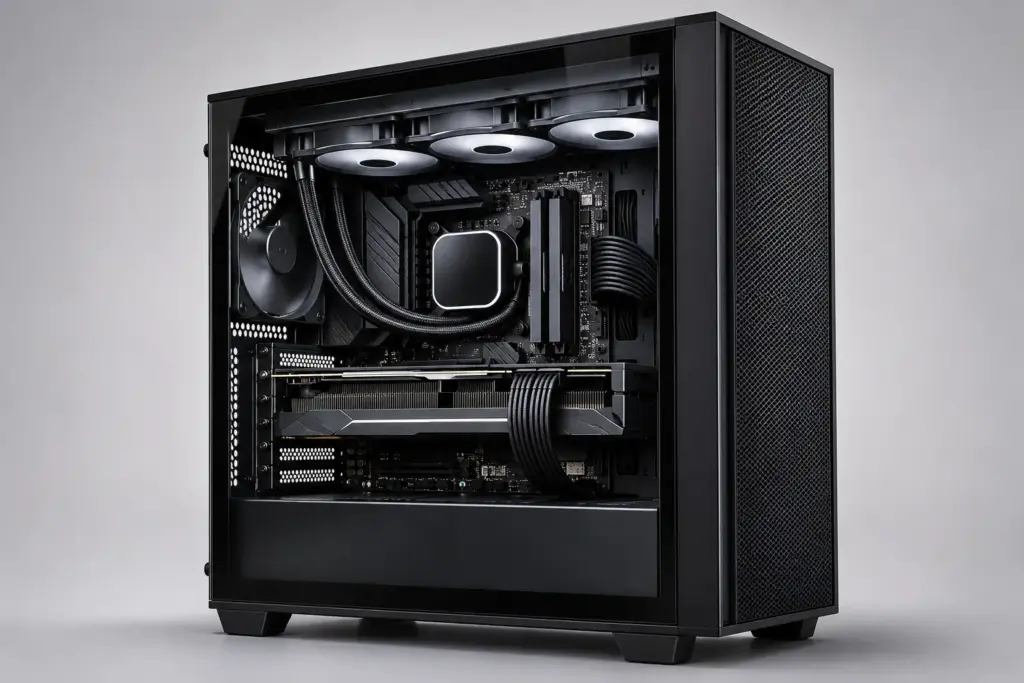
Cooling keeps components within their intended operating conditions, but a studio PC also needs a practical physical design. Consider the case size, airflow layout, cooler type and the position of the computer in your recording space.
Noise is a system-design consideration rather than a guaranteed specification. Fans, cooling hardware, graphics hardware and workload all influence acoustic behaviour. If the computer will sit near microphones, tell the builder that this is an important requirement and verify the final component choices. Avoid assuming that a particular case or cooler guarantees silent operation.
Case selection also affects future configuration. A larger case may provide more room for drives, cooling and expansion, while a compact design may suit a smaller desk. Confirm physical compatibility for the motherboard, cooler, graphics card and storage before ordering.
AMD or Intel for music production?
Both AMD and Intel platforms can form the basis of a custom PC, but the best choice depends on the complete configuration, software guidance, budget and your wider workload. Compare the platform rather than the processor name alone.
| Decision area | What to check |
|---|---|
| Processor | Expected project complexity, applications and software guidance |
| Motherboard | Compatible memory, storage, ports and future expansion |
| Memory | Capacity, supported type and room for your sample-library workload |
| Storage | Capacity for applications, projects, samples and backups |
| Graphics | Whether gaming, video or 3D work is part of the same system |
XDS organises systems around AMD, Intel, NVIDIA and Radeon platforms, and its build-your-own routes allow you to configure different priorities. Compare the available AMD and Intel configurations on the site, checking each component against your actual workload.
Workstation or gaming PC?
A gaming PC is not automatically unsuitable for music production, and a workstation is not automatically the right choice. Choose by workload. A gaming-oriented system may make sense if you also play demanding games, while a workstation-focused configuration may be more appropriate when professional, creative or technical applications are central to your work.
For mixed use, consider the compromises: graphics hardware may take budget away from storage or memory, while a workstation-style build may prioritise a different component balance. XDS presents both gaming PCs and specialised workstations, so you can start from the category closest to your main use case rather than forcing one type of system to fit every buyer.
Practical checklist before ordering
- List your main music applications and confirm their published system requirements.
- Describe your typical project size, virtual-instrument use and other regular workloads.
- Set a total budget in GBP, including the display, peripherals and additional storage if needed.
- Identify the component most likely to limit your regular workload.
- Choose processor and memory capacity together rather than in isolation.
- Plan storage for applications, active projects, samples and backups.
- Tell the builder if studio noise, desk space or future expansion matters.
- Check motherboard, case, cooler, memory and storage compatibility in the configurator.
- Review the final specification before adding the system to your basket.
Explore configurable music-production systems
The most useful custom PC for music production is the one that reflects your real sessions and leaves sensible room for growth. Start with the XDS Music Production page to review the relevant commercial route, then compare configurable custom PCs and workstation options around your software requirements and workload details.